Your Media, Your Cloud, Your Control
Stream movies, music, and photos from OneDrive, Dropbox, Google Drive, and more. Cloud Media Player is the only app that streams directly from Google Drive. Transform your Windows PC or Xbox into the ultimate personal media center.
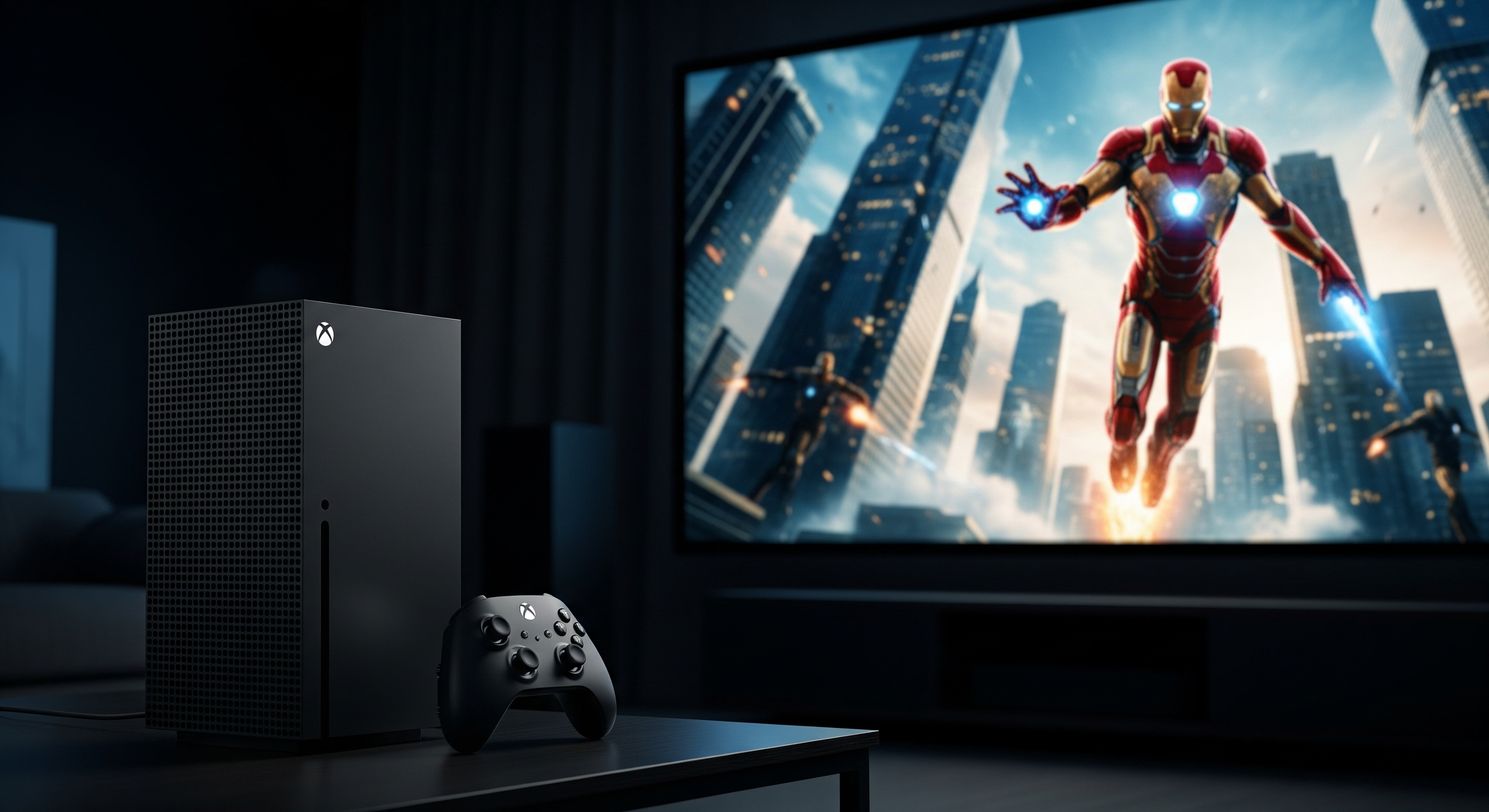

Your Memories, Your Way
Cloud Media Player makes it effortless to bring your entire digital media library to life on your big screen TV through Xbox, or anywhere on your Windows device. Free to download, with your media safely stored in the cloud.

Protect Your Media Library from Loss and Limitations
The Risks
- Local NAS drives can fail, losing precious memories
- Hardware failures mean permanent data loss
- Complex server setups require technical knowledge
- Local storage limited to one location
- No automatic backups or redundancy
Cloud Media Player
- Cloud storage with automatic redundancy
- Your files backed up across multiple data centers
- Simple setup - no server configuration needed
- Access from anywhere, any device
- Free to download from Microsoft Store
The Only App That Streams Directly from Google Drive
While other media player apps require complex workarounds or don't support Google Drive at all, Cloud Media Player offers direct, seamless streaming from your Google Drive—and we're the only ones who do it!
Direct Google Drive Access
Stream videos, music, and photos directly from Google Drive without downloads, conversions, or third-party workarounds. Authorized access means your files stay secure.
Plex Can't Do This
Plex doesn't support Google Drive streaming. You'd need to download files locally first, defeating the purpose of cloud storage. We make it effortless.
Secure & Official
Uses official Google APIs with proper OAuth authentication. Your credentials stay safe, and you maintain full control over access permissions.
Free Google Storage
Google gives everyone 15GB free. Store your media library in Google Drive—combined with OneDrive and Dropbox, you have 50GB+ of free cloud space!
Access Anywhere
Your Google Drive media is accessible from any Windows PC, Xbox, or device with an internet connection. Stream your collection from home, at work, or on vacation.
Lightning Fast
Direct streaming from Google Drive means no buffering delays or file transfer waits. Start playing your movies and music instantly with adaptive streaming.
Why Google Drive Matters
1.5 billion people use Google Drive. Many have years of personal videos, photos, and media stored there. Cloud Media Player is the ONLY media player app that lets you stream all that content directly to your Windows PC or Xbox without complicated workarounds.
- ✅ No need to download files locally
- ✅ No conversion or format limitations
- ✅ No other app can stream Google Drive content this way
- ✅ Perfect for families with shared family drives
Connect to All Your Cloud Storage in One Place
Why choose? Cloud Media Player connects to virtually every major cloud provider. Your media is where you store it—we make it all accessible.
Google Drive
🏆 Exclusive Support
Direct streaming from Google Drive - only in Cloud Media Player
OneDrive
Stream from personal and OneDrive for Business accounts

Dropbox
Access all your Dropbox files in one seamless experience

Box
Enterprise-grade cloud storage with full media support
SharePoint
Stream from SharePoint for business media collaboration
pCloud
Secure European cloud storage with full streaming support

Huawei Cloud
Stream from Huawei Cloud Drive seamlessly

Yandex Disk
Stream from Yandex Disk with fast access

Febbox
Access your Febbox cloud storage instantly
And More
Plus local network, NAS, and web URL support
One App, All Your Cloud Storage
Stop juggling multiple apps and logging into different services. Cloud Media Player brings all your cloud providers together in one beautifully designed interface. Play everything, everywhere—instantly.


Powerful Features for the Modern Media Enthusiast
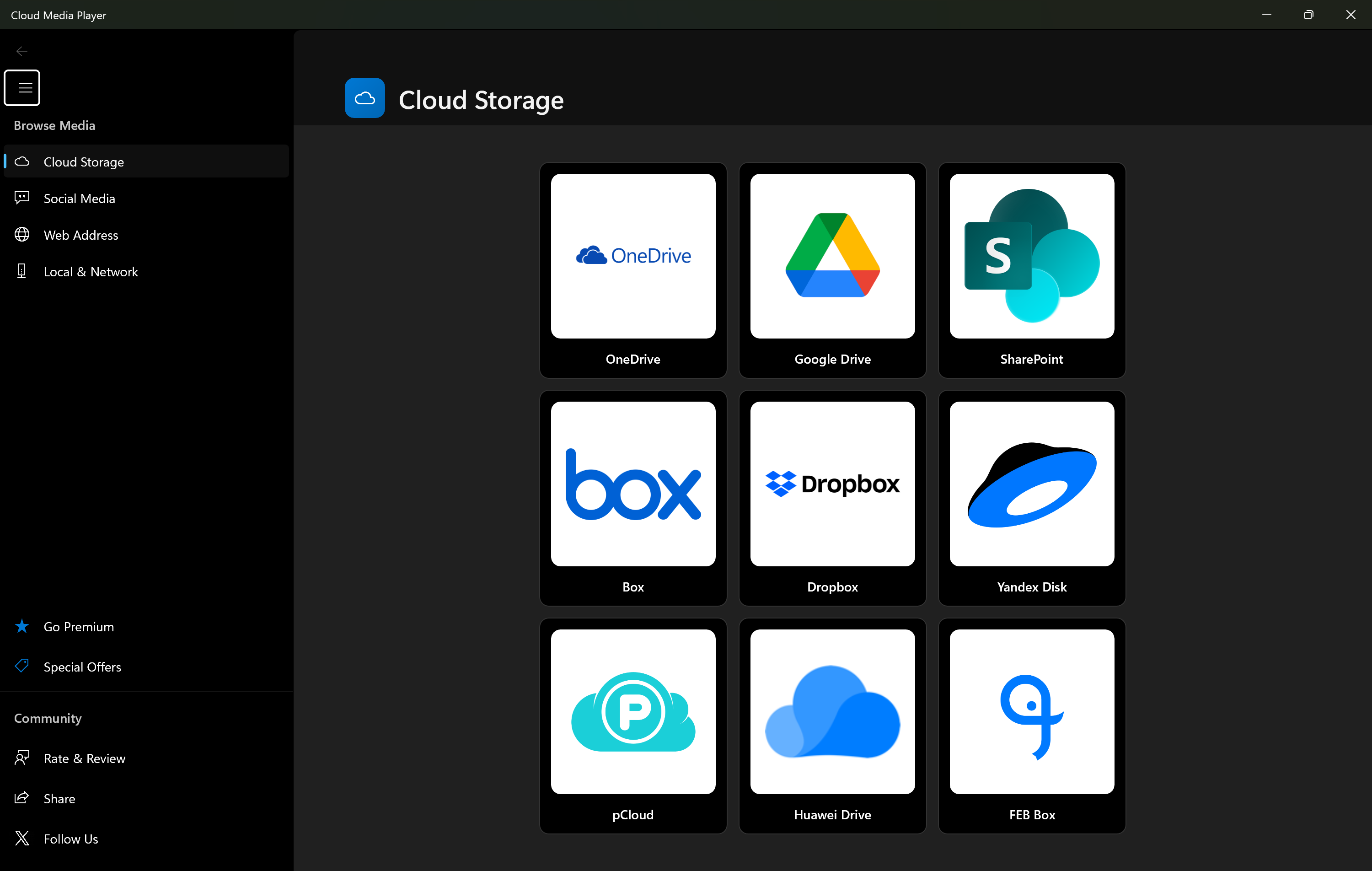
Universal Cloud Support
Connect to OneDrive, Dropbox, Google Drive, Box, and more. Your media, wherever it lives.
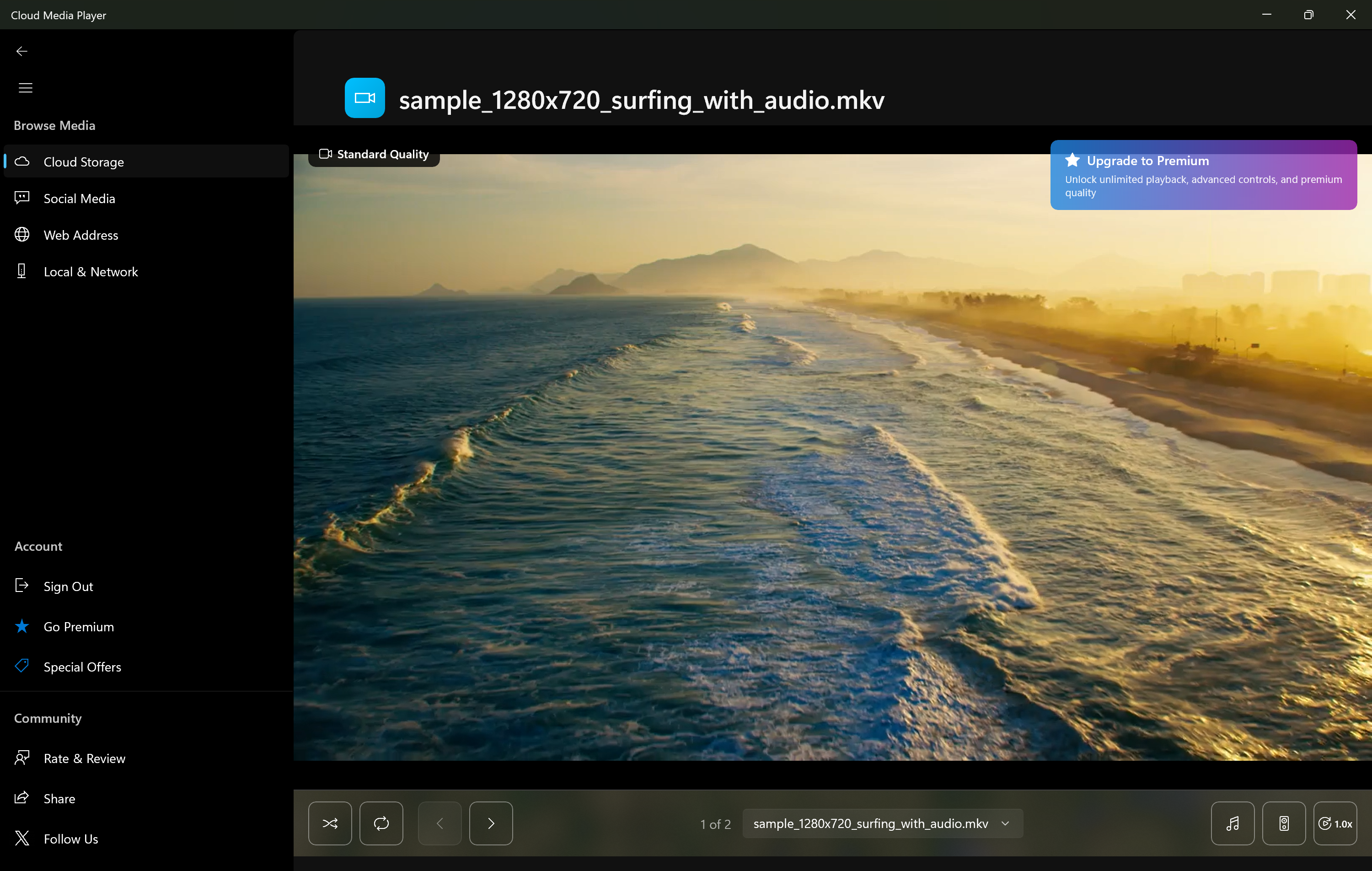
Professional Media Player
High-quality video and audio playback with subtitle support, playlists, and advanced controls.
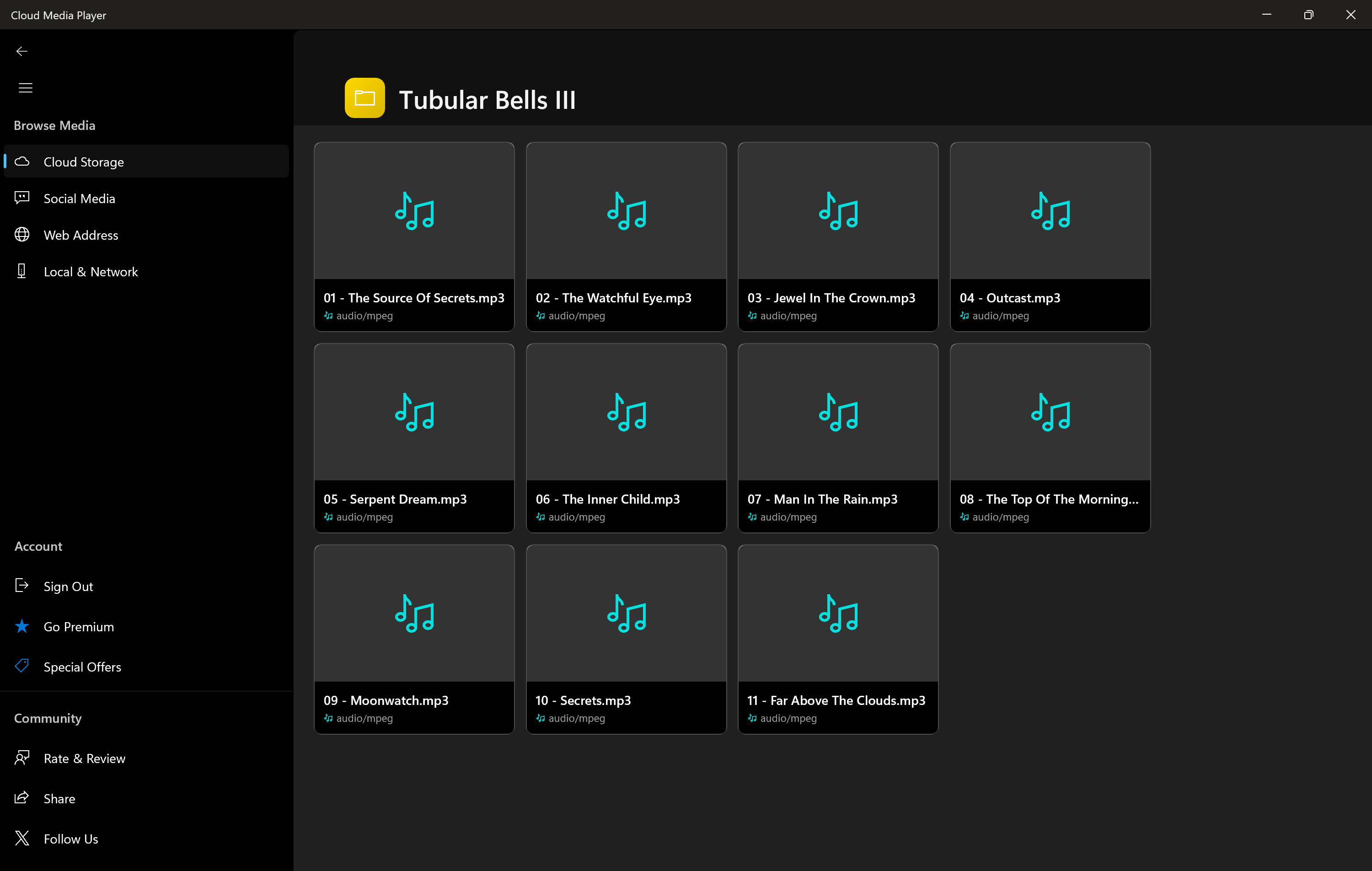
Complete Music Library
Organize and play your entire music collection with album art, artist info, and smart playlists.
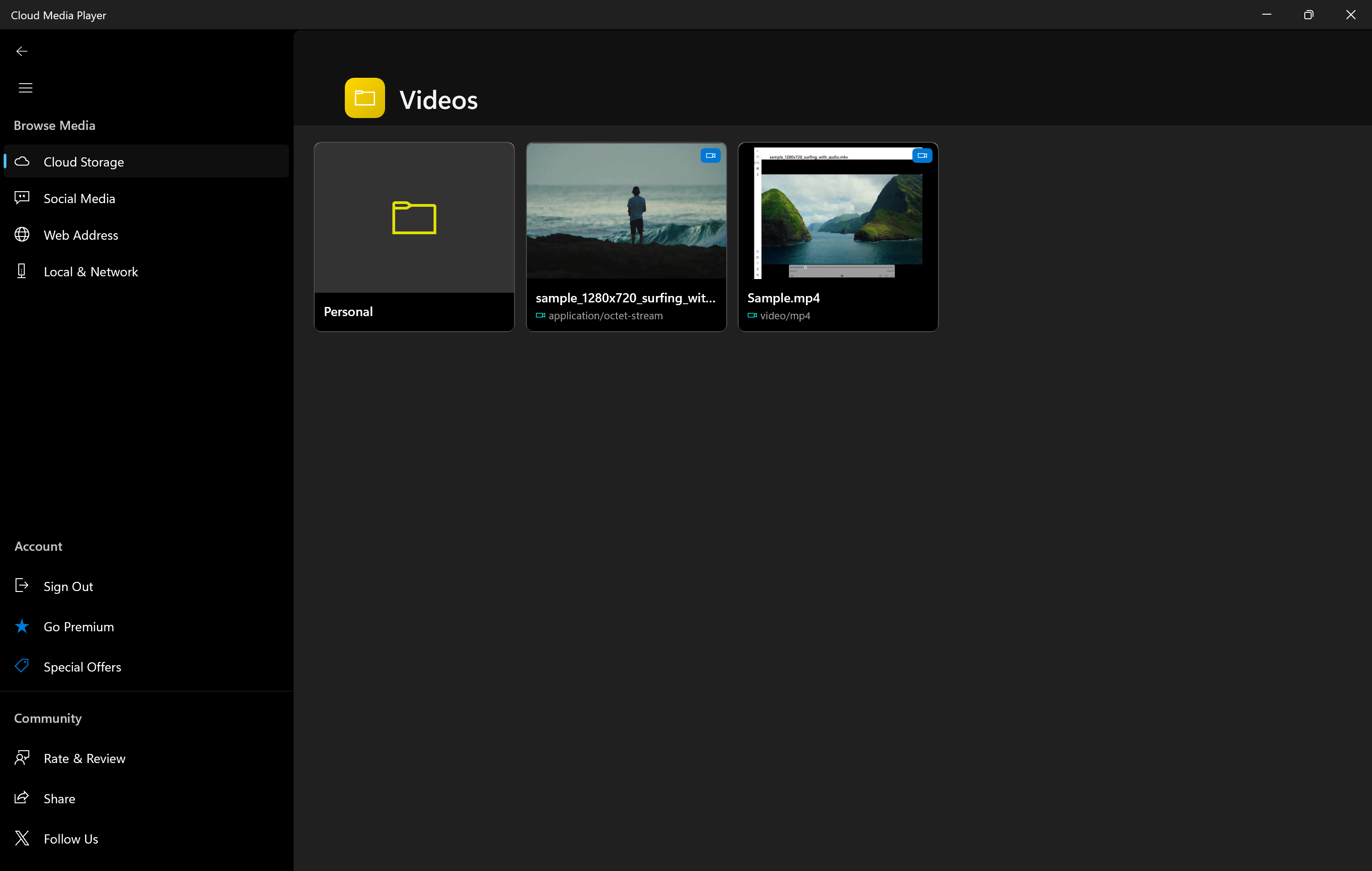
Beautiful Library Management
Browse your collection with stunning thumbnails, sorting, filtering, and search capabilities.
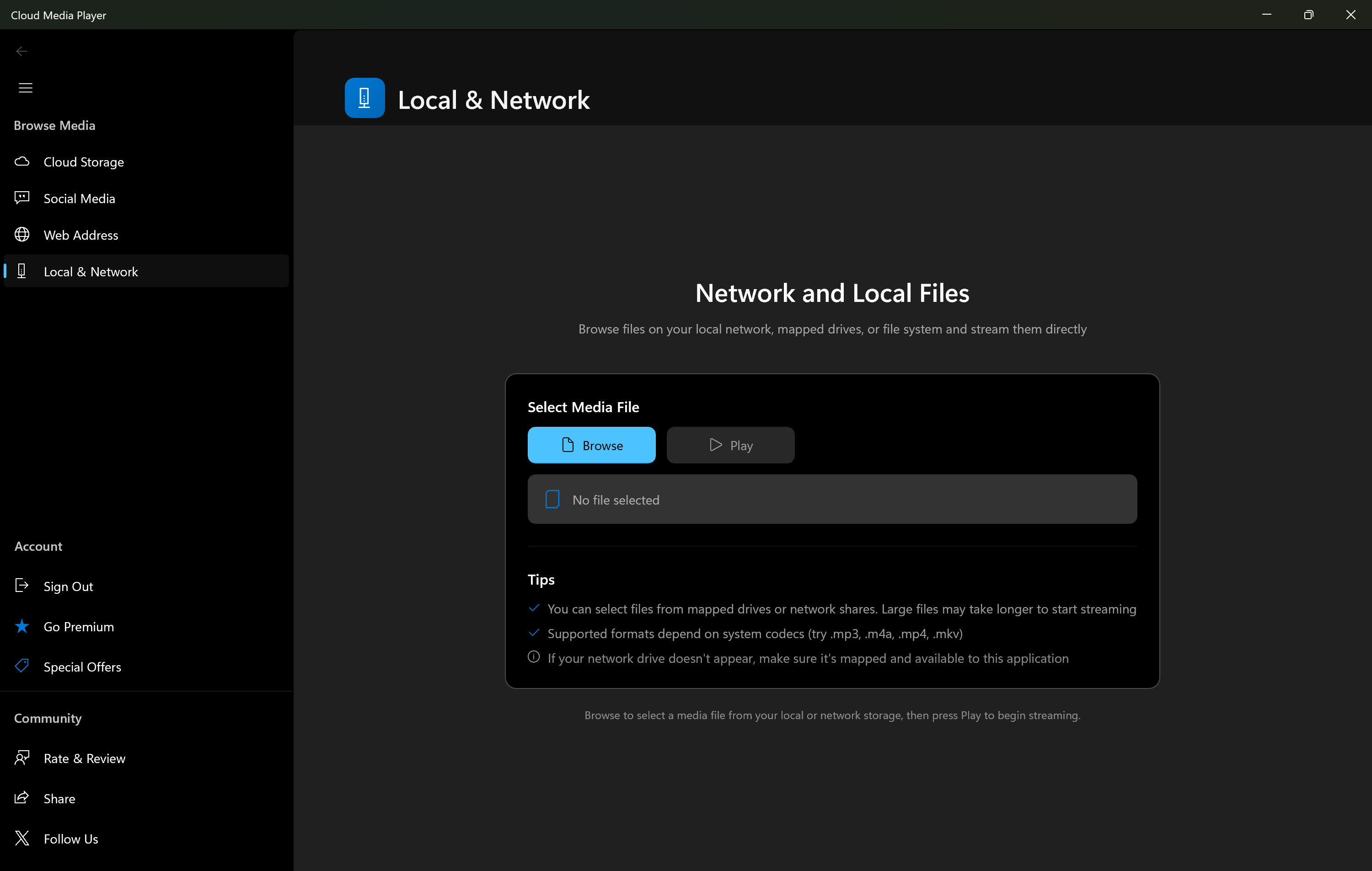
Network & Local Storage
Access media from your local network, NAS devices, or local drives alongside cloud storage.
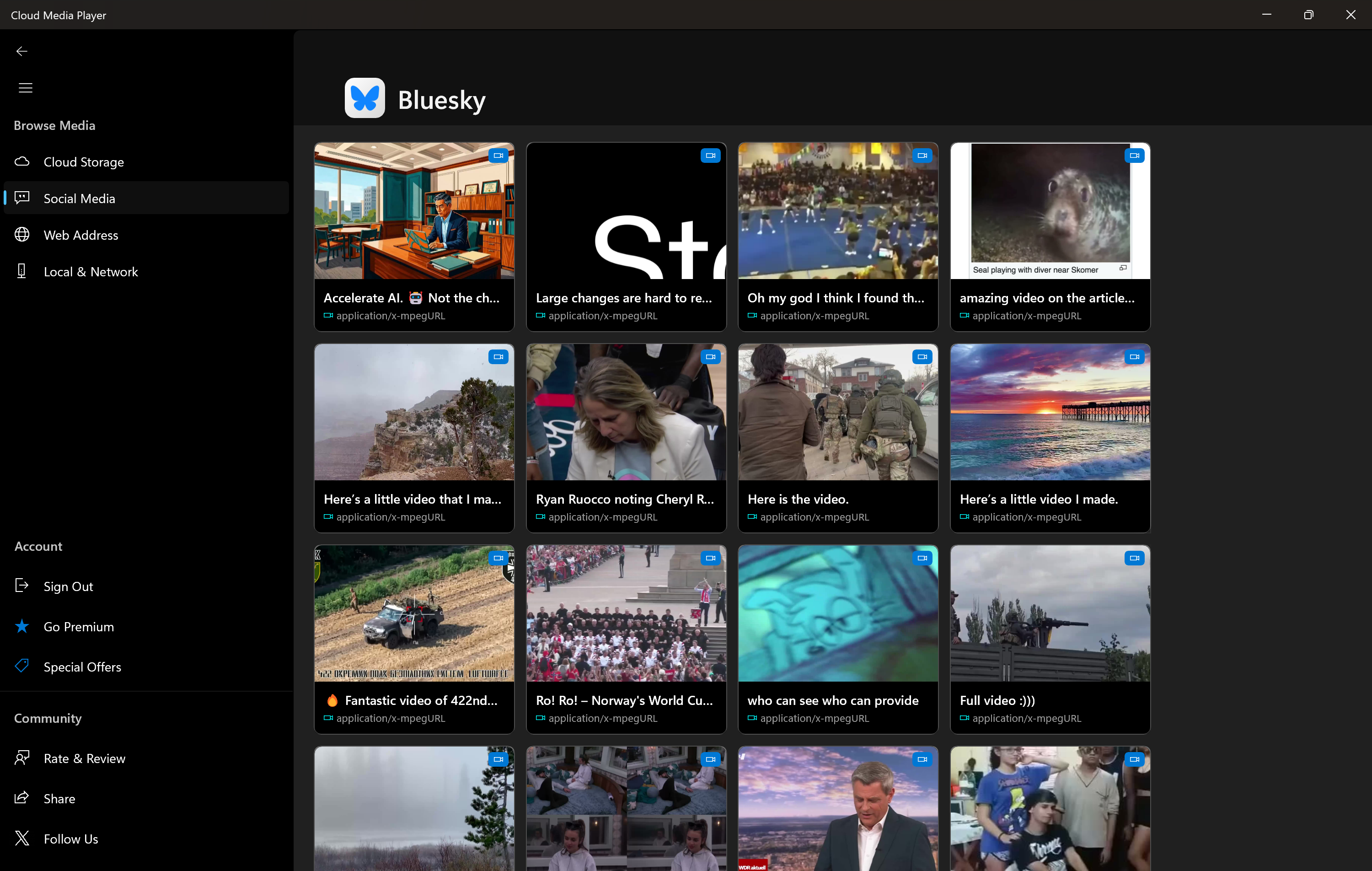
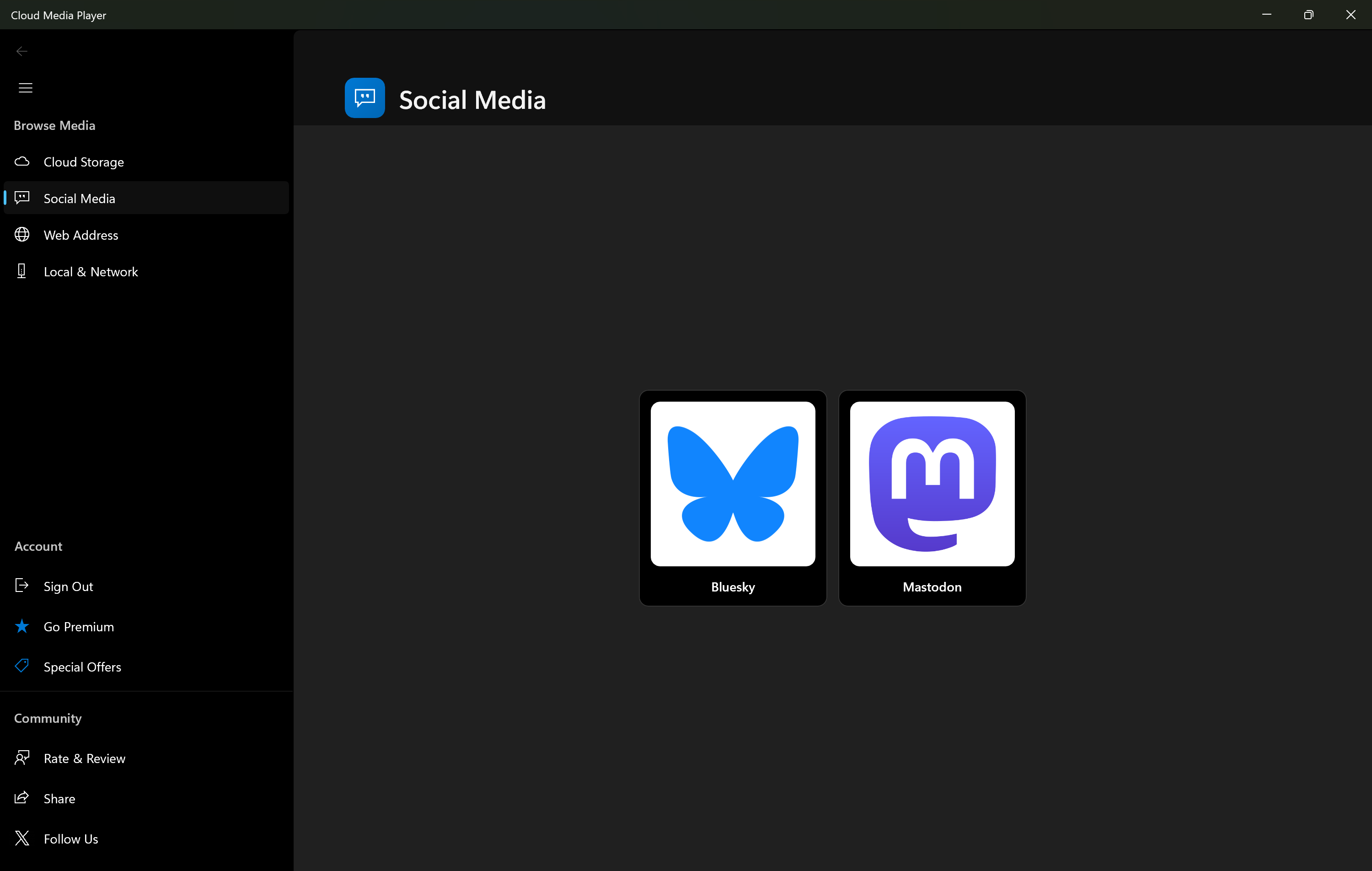
Social Media Integration
Stream videos from social platforms directly within the app for a unified viewing experience.
Transform Your Xbox into a Complete Media Center
Cloud Media Player brings the full power of your personal media library to your Xbox console. Stream your movies, TV shows, music, and photos directly to your big screen TV with comfortable controller navigation.
- Controller Optimized: Navigate your entire library with your Xbox controller
- 4K Ready: Enjoy high-quality playback on your home theater
- Family Friendly: Share your media library with everyone in the household
- Always Updated: New content automatically appears when you add it to your cloud
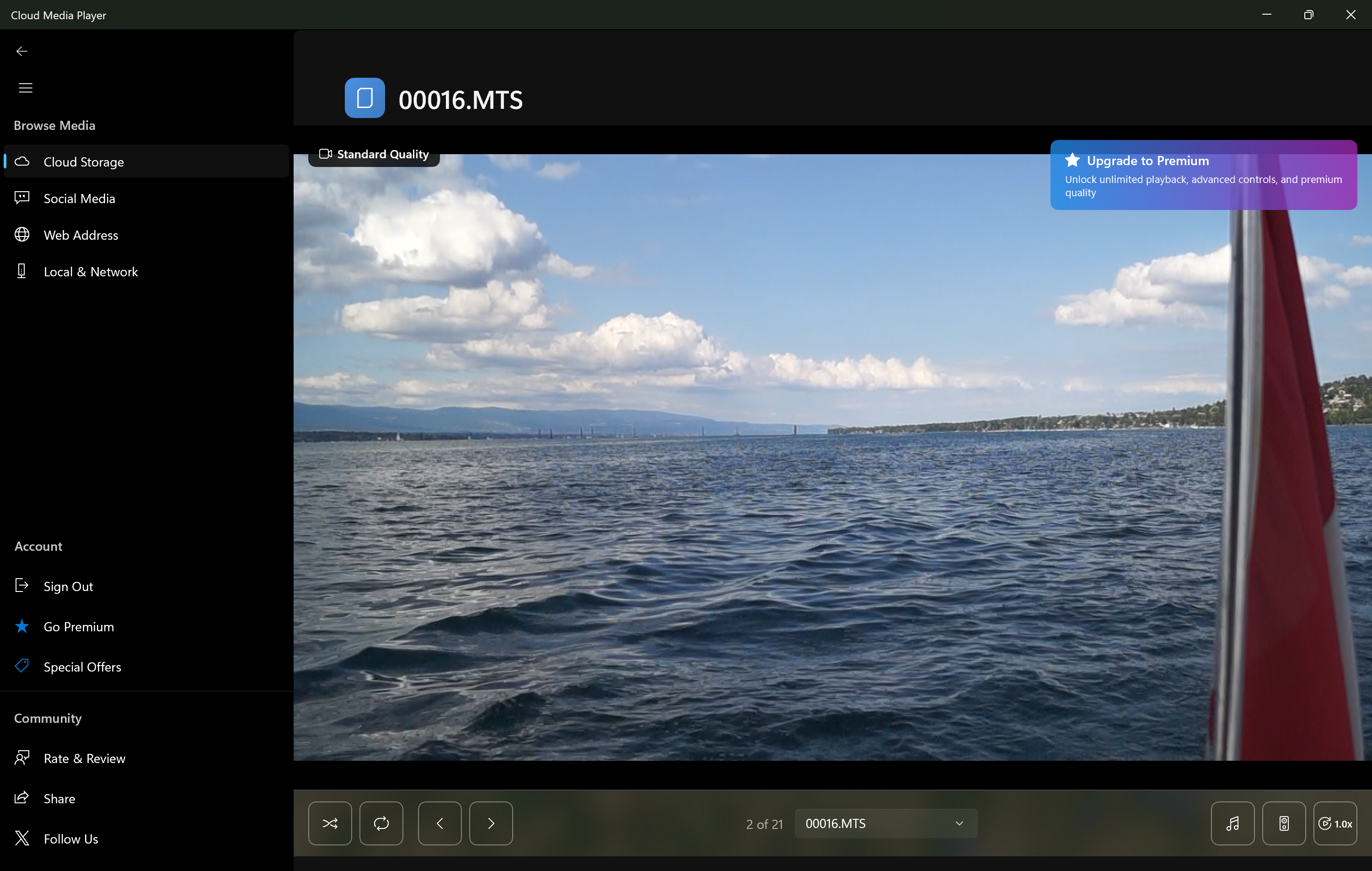
Everything You Need in a Media Player
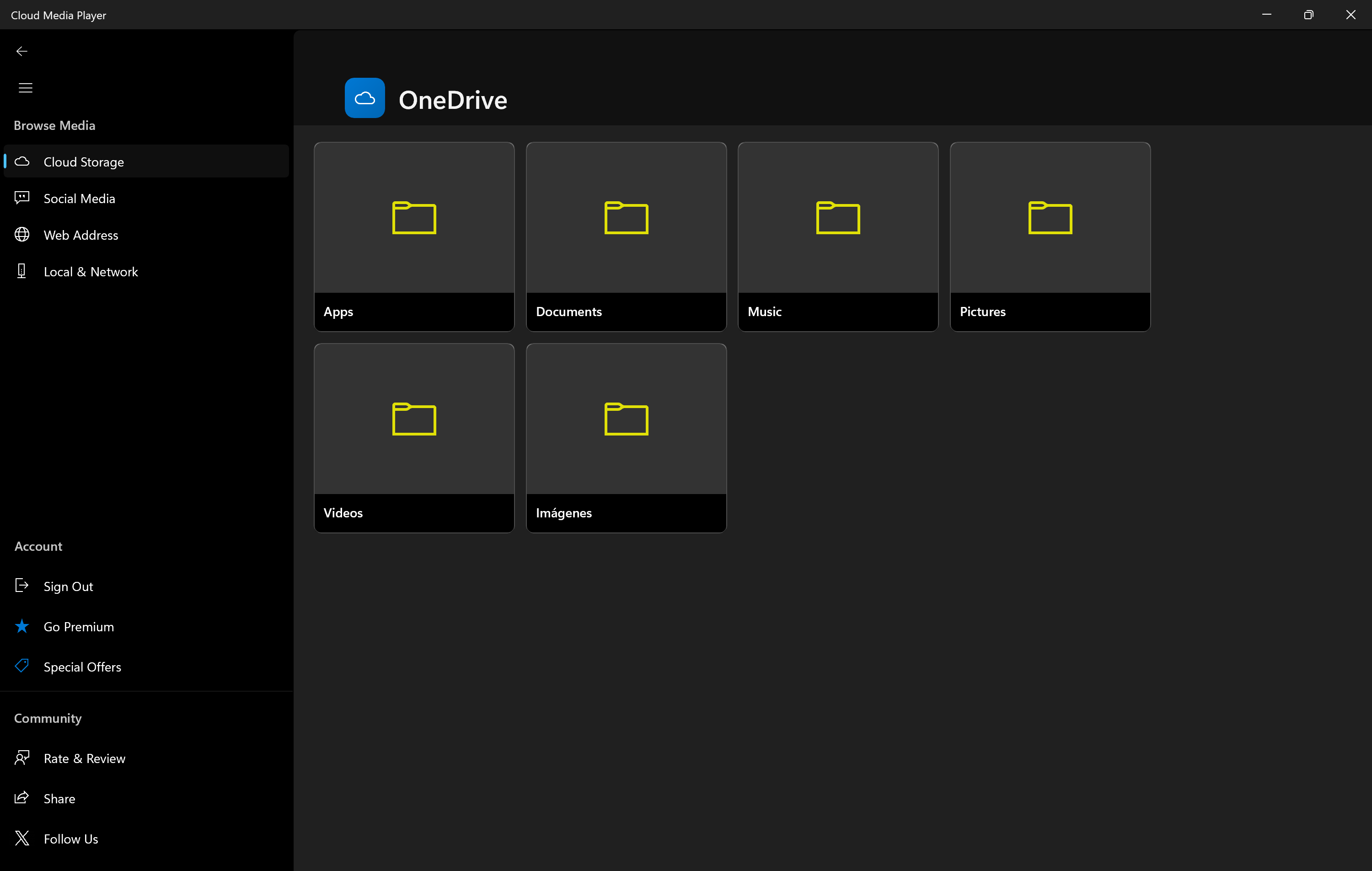
Smart Organization
Browse by folders, filter by type, and organize your content exactly how you want.
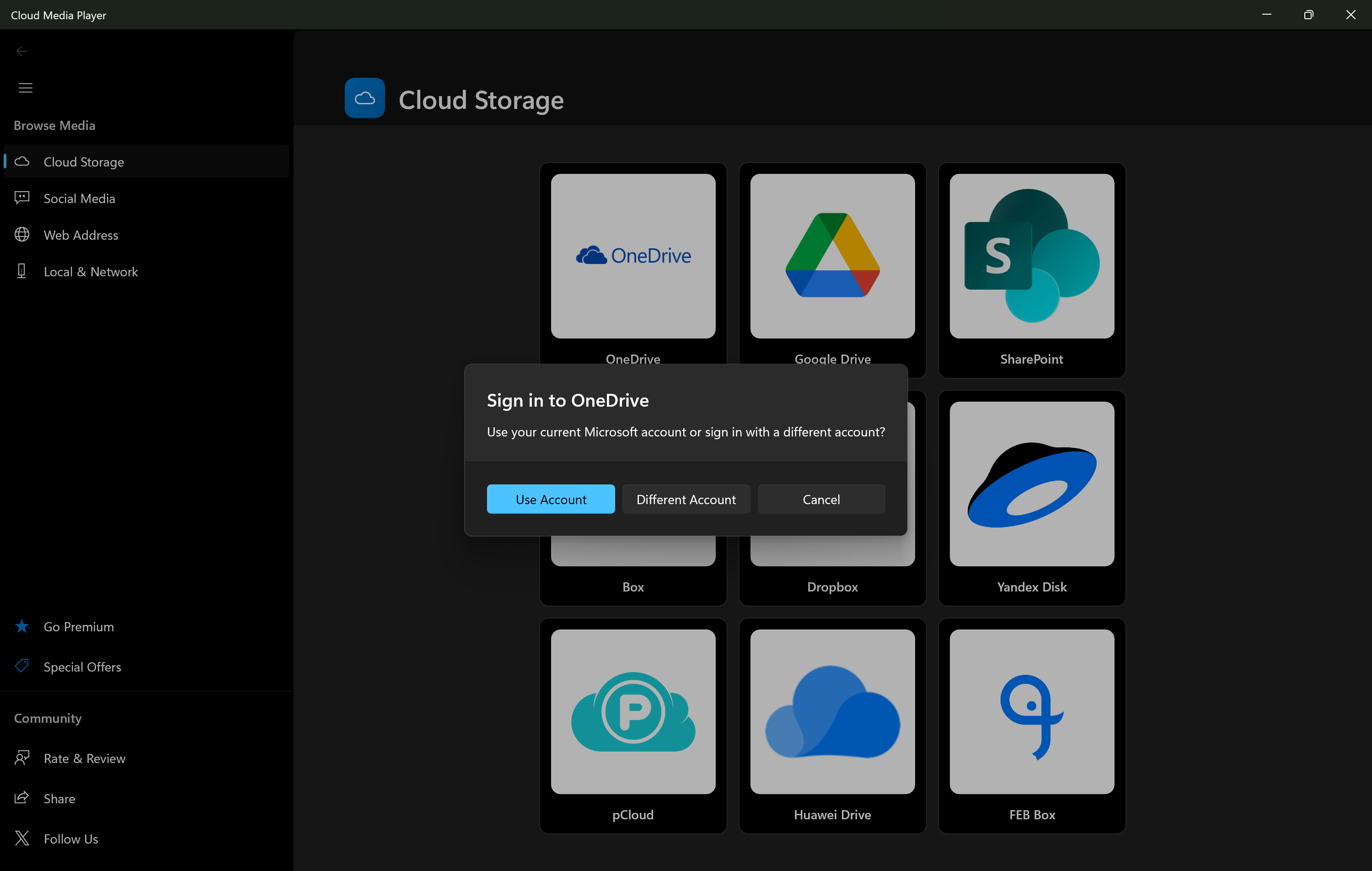
Secure Authentication
Safe, official OAuth login for all cloud providers. Your credentials stay protected.
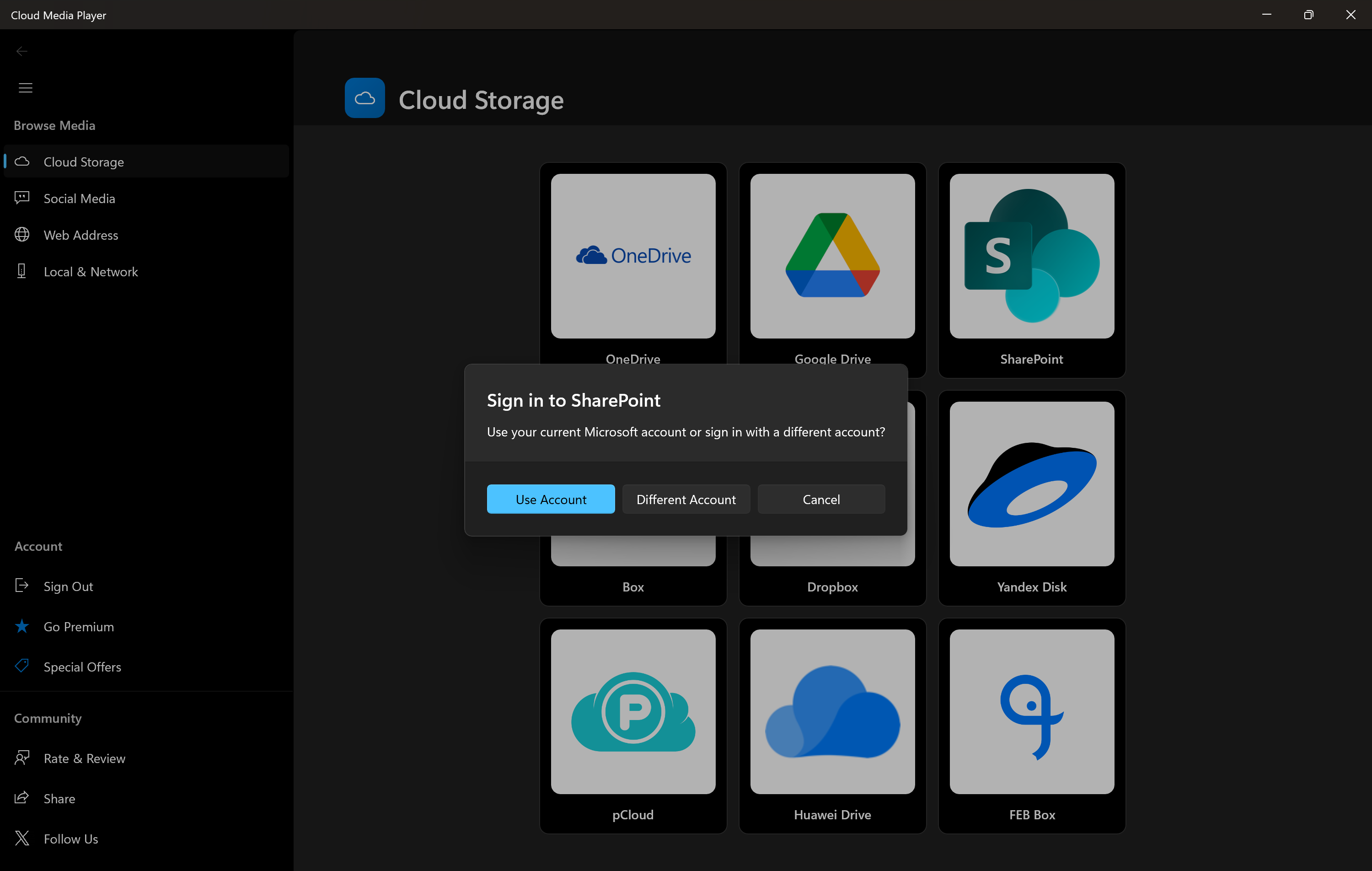
Business Integration
Access SharePoint and OneDrive for Business for professional media management.
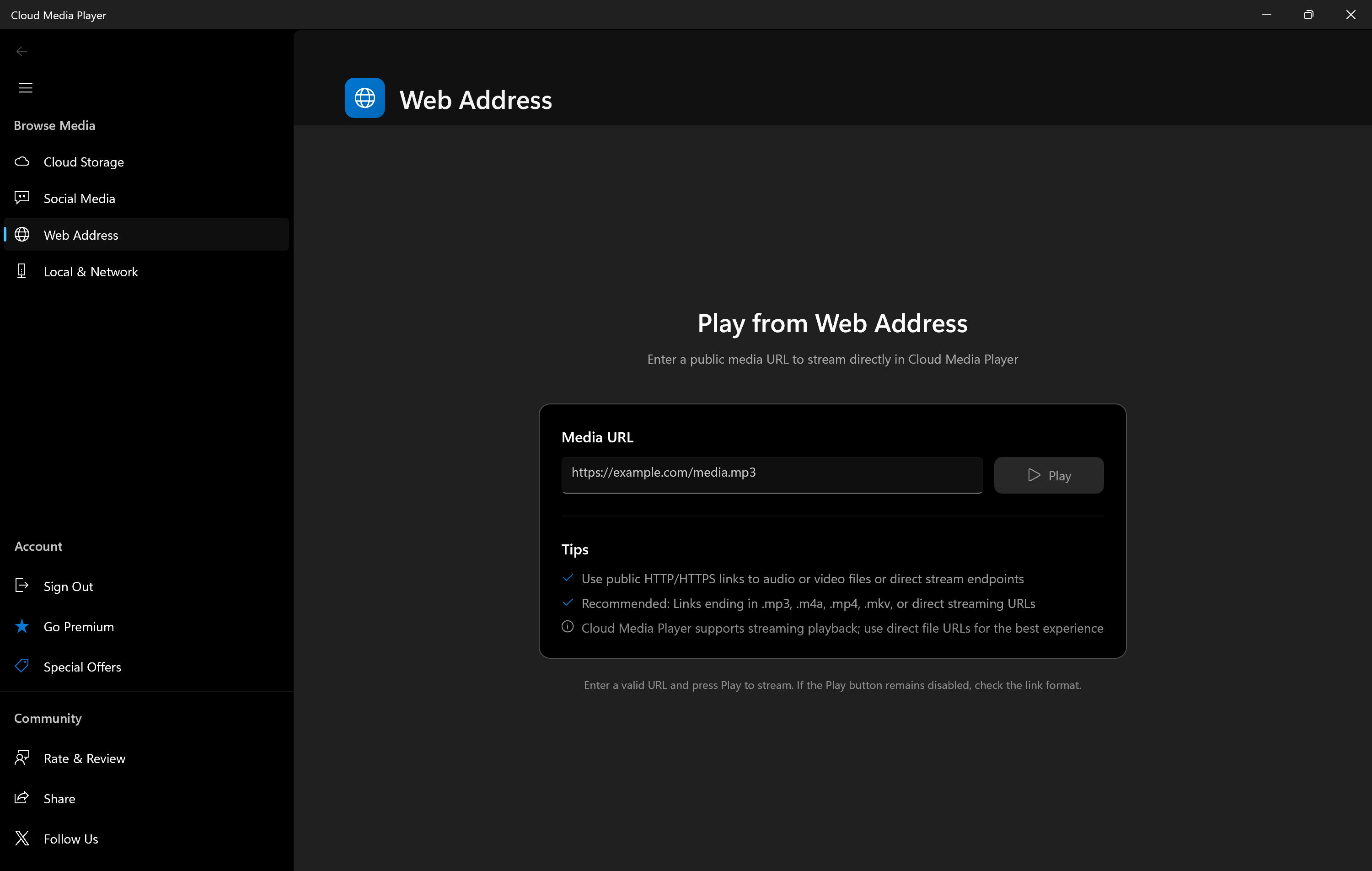
Direct URL Support
Stream from direct web addresses and online sources seamlessly.
Why Cloud Media Player Instead of Plex or Self-Hosted?
While Plex, Jellyfin, and Emby are popular choices, they require dedicated hardware, technical setup, and ongoing maintenance. Cloud Media Player offers a simpler, safer approach.
No NAS Failure Risk
Local NAS drives fail. When they do, you can lose years of memories and media. Cloud storage providers offer enterprise-grade redundancy with your files backed up across multiple data centers automatically.
Zero Setup Complexity
No server to configure, no port forwarding, no network troubleshooting. Simply install Cloud Media Player, connect your cloud storage, and start streaming. Setup takes minutes, not hours.
No Hardware or Maintenance
Plex requires a dedicated server or NAS ($300-$1000+) running 24/7, using electricity, needing updates and monitoring. Cloud Media Player requires nothing but your existing cloud storage—free to download from Microsoft Store.
Remote Access Without Headaches
Accessing your Plex server remotely means dealing with dynamic DNS, port forwarding, and security concerns. Cloud Media Player works everywhere instantly—your files are already in the cloud.
Built-In Data Protection
While Plex users need to set up RAID and backup solutions to protect against drive failures, Cloud Media Player users benefit from automatic cloud redundancy. Your media is protected without any extra effort.
No Ongoing Costs
Free to download. No hardware to buy, no electricity costs from running a server 24/7, no premium subscriptions. Just use the cloud storage you already have or get for free.
⚠️ The Reality of Local Storage
Hard drives fail. It's not if, but when. A typical NAS drive has a lifespan of 3-5 years. Without proper RAID setup and off-site backups (which most home users skip), a single drive failure can mean losing:
- Years of family videos and photos
- Your entire personal movie collection
- Irreplaceable memories that can never be recovered
With Cloud Media Player, your files live in enterprise-grade data centers with 99.9% uptime and automatic redundancy. Sleep soundly knowing your memories are protected.
What Our Users Say
"Finally, a way to watch my own movie collection on Xbox without complicated network setups. Cloud Media Player just works!"
"After my NAS drive failed and I almost lost everything, I switched to Cloud Media Player. My media is now safely stored in the cloud with automatic backups. Peace of mind!"
"The OneDrive integration is seamless. I can share folders with family members and everyone can access our home videos and photos on their devices."
"As someone who has a large digital media collection, this app is a godsend. It handles everything I throw at it - videos, music, photos. Perfect!"
"The Xbox experience is fantastic. Controller navigation is smooth, and video quality is excellent. It's like having my own personal Netflix!"
"No more worrying about my favorite shows being removed. My media library is mine forever. This app gives me complete control."
Cloud Media Player vs Streaming Services & Self-Hosted Solutions
Scroll through the comparison below. The feature names stay visible so you always know what you're comparing.
vs Plex, Jellyfin & Self-Hosted Solutions
vs Netflix, Prime Video, Disney+ & Streaming Services
Ready to Take Control of Your Media Library?
Join thousands of users who have transformed their Windows PCs and Xbox consoles into powerful personal media centers. Download Cloud Media Player today - it's free from the Microsoft Store!
Compatible with Windows 10/11 and Xbox • Free to download • No credit card required
Frequently Asked Questions
Is Cloud Media Player really free?
Yes! Cloud Media Player is free to download and use. You only need cloud storage (which many providers offer for free or you may already have).
What cloud services are supported?
We support OneDrive, OneDrive for Business, Dropbox, Google Drive, Box, SharePoint, and more. You can also access local network drives and direct web URLs.
Can I really use this on Xbox?
Absolutely! Cloud Media Player is available on Xbox consoles with full controller support. Turn your Xbox into a complete media center.
What file formats are supported?
We support all common video formats (MP4, MKV, AVI, MOV, etc.), audio formats (MP3, FLAC, AAC, etc.), and image formats (JPG, PNG, etc.).
How do I share content with others?
Use your cloud provider's sharing features to share folders. Recipients can then add those shared folders to their Cloud Media Player and access your content.
Do I need internet to watch?
You need internet to stream from cloud storage. However, many cloud providers offer offline sync, which allows you to download content for offline viewing.